
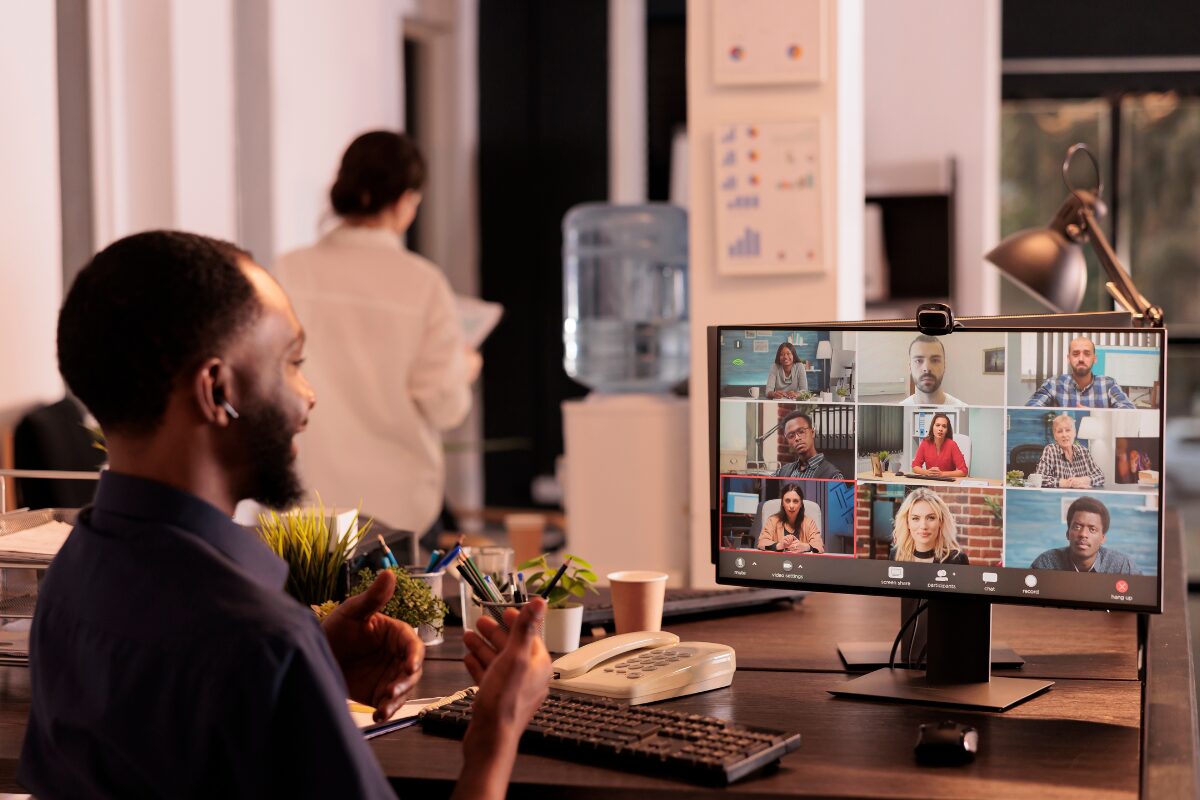
Arranging a teleconference is a key part of modern business communication, especially as teams and clients connect across different locations. With the right approach, you can create a smooth and professional experience that supports clear communication and decision-making. By following these 6 steps, you can ensure your virtual meetings are productive, time-efficient, and free from technical disruptions.
A well-prepared physical environment is equally important, so review how to set up a meeting room for suitable layouts, acoustics and hybrid collaboration.
Key Steps to Arrange a Teleconference
Organising a successful virtual meeting requires a structured approach to ensure every participant stays focused and productive.
Step 1: Define the Purpose of the Meeting
Before sending out invitations, you must identify the main goal of the teleconference, whether it is for remote working teams, routine project updates, or a critical client discussion. Carefully determine who needs to attend and define their specific roles to ensure the right voices are in the room. Keeping the objective clear from the outset helps the group avoid unnecessary or off-topic discussions that waste valuable time.
Finally, set expected outcomes beforehand, as this allows you to measure the meeting’s success and ensures everyone leaves with a clear understanding of the next steps.

Step 2: Choose the Right Teleconference Platform
Choosing the right platform depends on your meeting size, required features, and how your team prefers to collaborate. Selecting a tool that aligns with your existing workflow ensures that participants can join easily and utilise the necessary interactive features without technical friction.
- Zoom: A popular choice for its ease of use, screen sharing, and breakout room features. However, it will end the meeting in 45 minutes if you don’t plan for a VIP account.
- Microsoft Teams: Ideal for businesses already using Microsoft 365, offering strong integration with Office apps and comprehensive team collaboration tools.
- Google Meet: Simple and accessible, especially for users within the Google ecosystem, allowing for quick meetings directly through a web browser or calendar.
- Cisco Webex: Known for its high-level security and reliability, this platform is often the preferred choice for larger organisations and enterprise-level communications.
Step 3: Schedule the Meeting and Set a Time
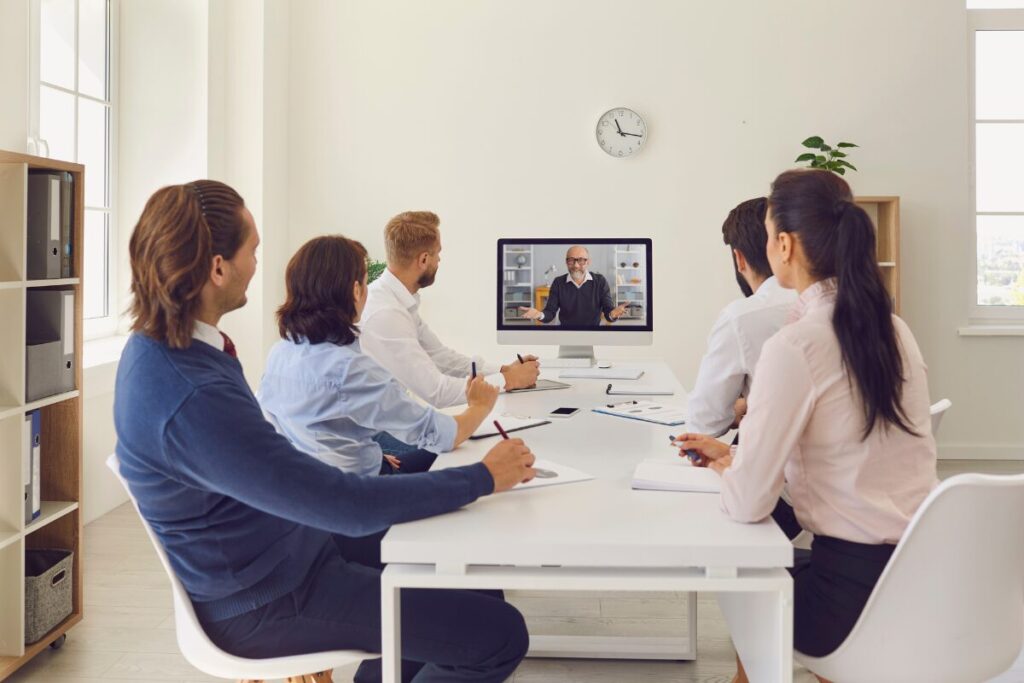
Effective scheduling is the foundation of a well-attended teleconference, beginning with the selection of a time that accommodates all participants, particularly when working across different time zones. It is best to avoid their focus hours to prevent distraction from work, as well as the end of the day when energy levels naturally decline.
Finally, always factor in a short buffer period; allowing for an extra ten or fifteen minutes prevents the session from feeling rushed should discussions naturally run longer than originally anticipated.
Step 4: Prepare an Agenda and Materials
A successful teleconference relies on a clear roadmap that keeps the conversation focused and productive. Start by creating a detailed agenda that outlines the key discussion points and allocating a specific amount of time to each topic. Remember to factor in extra time for questions and debate to prevent the meeting from veering off track.
To ensure everyone arrives prepared, share any relevant documents, reports, or presentations well in advance, giving participants ample time to review the data. Additionally, assigning specific speakers or facilitators for each section clarifies expectations and ensures a smooth transition between different items on the agenda.
Step 5: Send Invitations and Meeting Details
Once the logistics are finalised, send out formal invitations that clearly state the meeting link, date, and exact time. Providing a brief overview of the agenda and objectives within the invite helps attendees understand the meeting’s priority and prepare accordingly.
It is also essential to include clear instructions on how to join the teleconference, particularly if specific software or dial-in codes are required. To maximise turnout and ensure that everyone is informed, send a quick reminder closer to the scheduled meeting time, reinforcing the importance of punctual attendance.
Step 6: Test Your Equipment in Advance
Technical glitches can derail even the best-planned meetings, so taking a moment to verify your setup is essential. Performing a quick pre-call check ensures that you present a professional image and that the discussion flows without any frustrating interruptions.
- Check your microphone, camera, and internet connection
- Test the chosen platform (e.g., Zoom or Google Meet) before the meeting starts
- Ensure screen sharing and audio settings are working properly. However, not every meeting demands a high-end technical setup. Focus on essential tools to maintain professional standards while remaining cost-effective.
For a more detailed technical checklist, review the essential video meeting equipment for hybrid teams, covering cameras, microphones, displays, lighting and connectivity.
Host Seamless Teleconferences with the Right Workspace
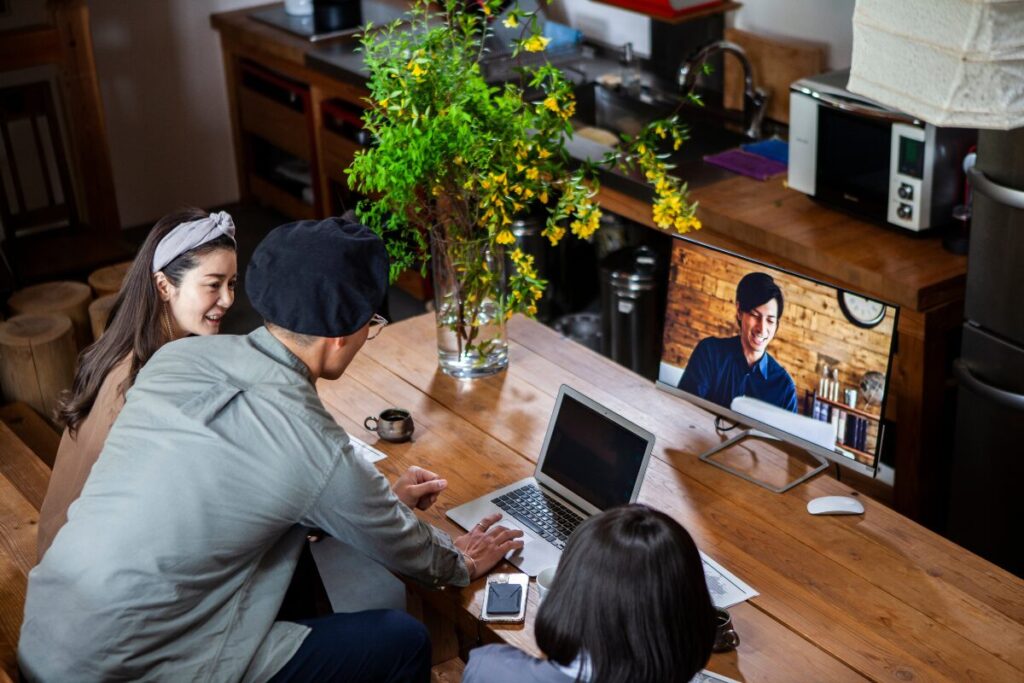
The success of a virtual meeting often depends on the environment in which you lead it. Conducting your calls from quiet meeting rooms eliminates distracting background noise, ensuring your voice remains the focal point and your message is clear. Associated with strong connectivity through high-speed, business-grade internet, you can present with confidence knowing your video and screen sharing will remain stable.
This professional setting not only boosts your own productivity but also projects a high standard of excellence to your clients and partners, making every teleconference a polished and successful experience.
Find your next meeting spot at Gilmoora House
At Gilmoora House, you gain peace of mind knowing that a dedicated team is managing the logistics. The Mortimer and Portland meeting rooms at Gilmoora House provide the perfect professional backdrop for teleconferences, combining advanced Logitech conferencing technology with a serene, distraction-free atmosphere in Fitzrovia. What we offer for your meeting:
- Capacity ranging from 4 to 28 people: From the spacious Mortimer boardroom for up to 14 guests to the expansive Portland room for up to 28, providing the ideal setting for high-level pitches or team training sessions.
- Audio-visual equipment & high-speed WiFi: Benefit from high-spec Logitech conferencing tools, large presentation screens, and ultra-fast WiFi (up to 10 Gbps) for flawless remote participation.
- Access windows in every room: Every workspace is drenched in natural light, creating a bright and energising environment that keeps participants focused during long sessions.
- Access technical support: Our in-house network specialists and friendly Service Team are on hand to assist with setup and troubleshooting, ensuring your meeting runs smoothly.
Your guests will enjoy a professional welcome from our front-of-house team, complete with a polished reception and complimentary refreshments such as premium tea, coffee, and sparkling water. Best of all, your business will stay in the heart of London at a prestigious W1 address, located just minutes from Oxford Circus and Tottenham Court Road for effortless accessibility.
Ready to elevate your next teleconference? Book your meeting room at Gilmoora House today.