

Video meetings have transitioned from a temporary necessity to a permanent fixture of professional life. According to Calendly, 46% of workers now juggle three or more meetings every day, and the quality of these interactions defines business productivity.
For hybrid teams, who split their time between home workspaces and the office, this shift presents a unique challenge. This guide highlights the essential video meeting elements hybrid teams need to stay focused, professional, and fully aligned during every virtual conversation.
Why the right video meeting equipment matters for hybrid teams
Investing in superior technology is not merely about aesthetics; it is a critical component of operational efficiency. According to Cisco’s own 2020 Global Workforce Survey, 98% of home-based attendees face video meeting frustrations, with poor audio (50%), overlapping talk (47%), and background noise (46%) as top issues, underscoring audio’s dominance. When equipment fails, engagement drops, and “listening fatigue” sets in, causing participants to disengage from the discussion.
- More engaging and inclusive discussions: High-quality visuals ensure remote participants feel “in the room,” rather than just observers.
- Clear communication with fewer disruptions: Eliminating echo and lag prevents the frustration of constantly repeating points.
- Better client and partner interactions: A professional setup projects competence and reliability to external stakeholders.
- Smoother, more efficient hybrid workflows: seamless technology reduces the “cognitive load” on employees, allowing them to focus on the content rather than the connection.
6 core elements every video meeting setup needs
To replicate the fluidity of face-to-face interaction, your meeting environment must rely on a robust technical ecosystem. Below are the six non-negotiable components for a modern hybrid setup.

High-quality camera
Visual clarity is the foundation of non-verbal communication. In a hybrid setting, a grainy laptop webcam is insufficient for capturing the nuance of facial expressions.
- Minimum 1080p resolution (4K optional): While 1080p is the current standard for sharp video, 4K cameras offer future-proofing for increasingly large displays.
- Wide-angle lens for group rooms: A field of view between 90° and 120° ensures that huddle rooms capture everyone at the table without distortion.
- Auto-framing / AI tracking: Advanced cameras, such as those from Logitech, use AI to automatically pan and zoom, keeping the active speaker perfectly framed, a feature crucial for meeting equity.
Clear audio input (microphones)
Audio quality often outweighs video quality in importance; you can continue a meeting if the video freezes, but not if the sound fails.
- Noise cancellation: According to a Shure study mentioned in a Webex, 51% of participants complain that background blast is their top frustration with online meetings. Technology that filters out typing or traffic sounds is essential.
- 360° pickup for small rooms: Omnidirectional microphones placed centrally ensure that voices from every corner of the table are captured with equal volume.
- Beamforming technology for large rooms: This advanced feature focuses on the speaker’s voice while suppressing ambient noise, providing studio-quality clarity even in spacious boardrooms.
Reliable audio output (speakers/soundbars)
Effective communication requires parity between listening and speaking. Relying on laptop speakers often results in tinny, distorted sound that is difficult to process.
- Built-in echo cancellation: This technology prevents the dreaded “feedback loop” where remote participants hear their own voice bouncing back at them.
- USB or Bluetooth connectivity: Flexible connection options allow for quick setups with personal devices (BYOD).
- Integrated options (video bars): All-in-one bars combine speakers, microphones, and cameras into a single sleek unit, reducing cable clutter and simplifying the user experience.
Displays and screens for hybrid meetings
The screen is your window to the remote team. It must be large enough to display detailed presentations and remote faces simultaneously without eye strain.
- 55-75 inch screens: The size should correlate with the room dimensions; a 55-inch screen suits a huddle room, while larger boardrooms may require dual 75-inch displays.
- At least 1080p or 4K display: High resolution ensures that text on shared documents is crisp and readable.
- Interactive displays: Touch-enabled screens facilitate real-time whiteboarding, allowing hybrid teams to brainstorm as if they were sharing a physical canvas.
- HDMI + USB-C connection: Universal ports ensure that any laptop can connect instantly without looking for dongles.
Lighting for better video quality
Even the most expensive camera cannot compensate for poor lighting. Proper illumination reduces shadows and grain, making you appear more approachable and professional. Natural light is ideal but inconsistent; therefore, positioning soft LED panels or ring lights at eye level ensures your face is evenly lit, helping remote participants read your expressions and stay engaged.
Internet connectivity
Bandwidth is the invisible backbone of your meeting. Without it, the best hardware becomes useless.
- Ideal speed for video conferencing (Zooms/Teams): 25 Mbps. For a high-definition group call, you typically require at least 3-4 Mbps of dedicated bandwidth.
- Stability: A hardwired Ethernet connection is always preferable to Wi-Fi for critical meetings, as it provides stability and prevents common issues such as jitter and packet loss.
- Choose a reliable provider: You can consider between Community Fibre, Hyperoptic, BT & EE, Vodafone, who ensure low latency, because high speed alone doesn’t guarantee smooth calls.
To bridge the gap between remote and in-house staff, you need a meeting space equipped with advanced video conferencing to ensure everyone is heard clearly.
Common challenges hybrid employees face during video meetings
Despite technological advancements, many organisations still struggle with the basics. Identifying these pain points is the first step to solving them.
- Poor audio quality: Muffled voices or background static are the primary causes of meeting fatigue.
- Unequal experience for remote participants: Without proper cameras, remote workers often feel like “second-class citizens” who cannot see the whiteboard or the speaker.
- Technical glitches: Time wasted fumbling with cables or software updates eats into productive collaboration time.
- Unprofessional background: Confusing home environments can be distracting and detract from your professional image.
- Hard-to-use room equipment: Complex control panels often lead to delays or the abandonment of video altogether.
- Delayed meetings: On average, technical difficulties can delay the start of a meeting by several minutes, accumulating into significant lost time over a week.
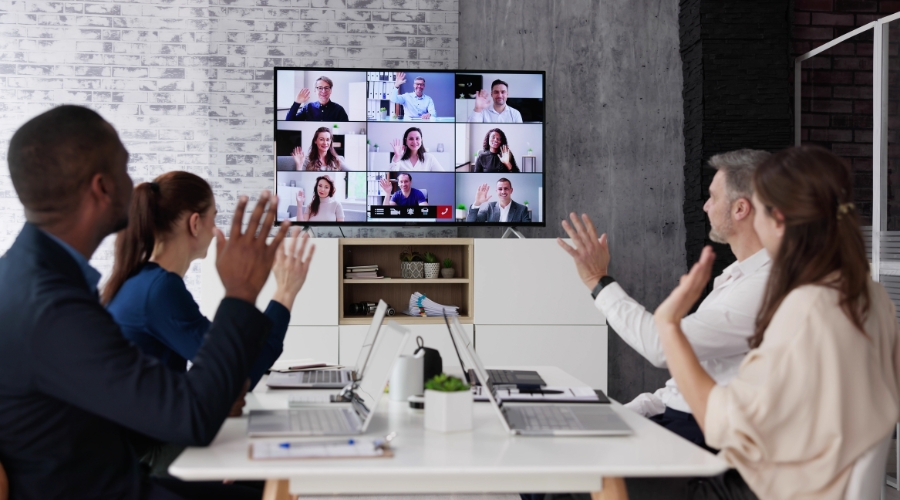
The effectiveness of your setup also depends on the space itself, which is why it’s useful to know how to choose the right meeting room.
Practical tips to improve hybrid meeting quality
Optimising your setup does not always require new purchases; often, it is about better habits and configuration.
- Test equipment 10 minutes early: A quick “pre-flight check” of your mic and camera prevents awkward troubleshooting during the call.
- Use an ear-level camera angle: This creates a natural eye-contact perspective, rather than looking down or up at your colleagues.
- Position microphones centrally: Ensure the mic is equidistant from all in-room participants to maintain consistent volume levels.
- Use noise-cancelling headsets: For individual hybrid workers, investing in a quality headset is the most effective way to isolate your voice and eliminate distracting ambient sounds from the office, home, or coffee shop.
- Encourage “one person speaks at a time”: Digital audio often cuts out when multiple people speak; disciplined turn-taking improves clarity.
- Keep software updated: Regular updates to platforms like Zoom or Teams often include performance patches that improve quality on lower bandwidths.
- Use branded virtual backgrounds: This provides visual consistency and professionalism, masking any distractions in your physical environment.
Once the equipment is ready, use our guide on how to arrange a teleconference to plan the platform, agenda, invitations and pre-call checks.
Upgrade your meetings with Gilmoora House’s fully equipped workspaces
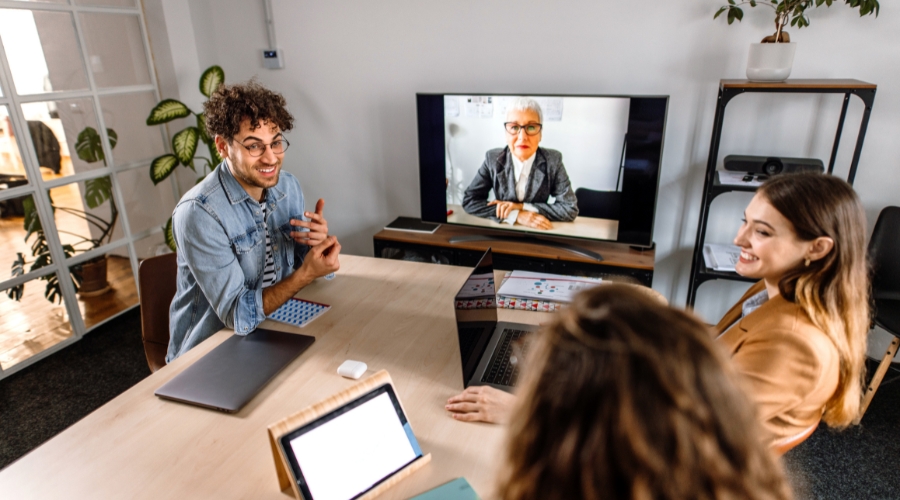
If managing this technology feels overwhelming, Gilmoora House provides a turnkey solution. We offer a professional, well-equipped setting that perfectly balances comfort with high-end functionality, removing the logistical headache so you can focus on your agenda.
What you can expect at meeting rooms in Gilmoora House:
- High-quality video and audio equipment: We utilise industry-leading Logitech conferencing systems, ensuring crystal-clear video and audio for every participant.
- Fast and reliable connectivity: Enjoy consistent, high-speed performance with standard service ranging from 100 to 500 Mbps. For data-intensive collaboration and maximum throughput, dedicated lines offer speeds up to 10 Gbps.
- Comfortable, well-designed meeting rooms: Our spaces are acoustically treated and optimised for lighting, ensuring you look and sound your best.
- Central London location: Situated near Oxford Circus, we offer unbeatable accessibility for your team and clients.
Ready to elevate your hybrid meetings? Contact our service team at enquiries@gilmoorahouse.com or call 020 3008 6650 to book your perfect meeting space.
Learn more: